Smarter video editing in your browser

Trim, compress and convert MP4, MOV, WEBM and other video easily

Easily upload, trim, compress and export
Keep resolution and framerate intact
Add captions for free
Upload Your Video
Drop Video Here
MP4 · MOV · WEBM · MKV · AVI
From
Video is encrypted in transit and deleted after 2 hours

More than a video trimmer

Simplify your trimming

  • Cut to the clip you wanted without a timeline
  • Trim, split and join clips in a few clicks
  • Crop to square, vertical or widescreen
  • Export without re-encoding the whole file
Video trimming

Simplify your captions

  • Generate and burn in captions that are ready to publish
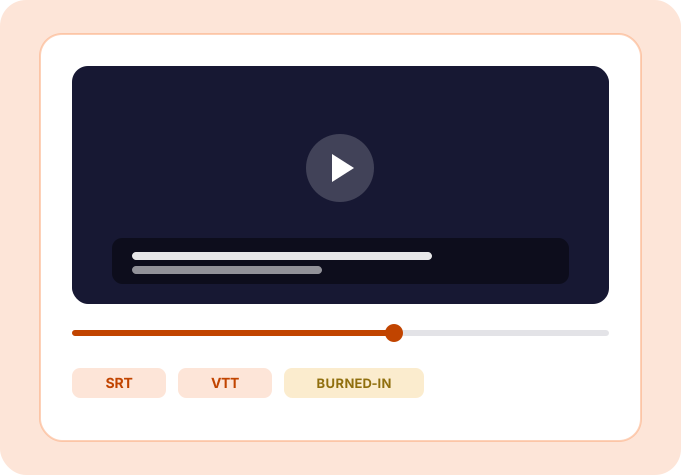
  • Create SRT, VTT and burned-in captions in a few clicks
  • Caption securely from your computer, phone or tablet
  • Keep your footage protected with end-to-end encryption
Video captions

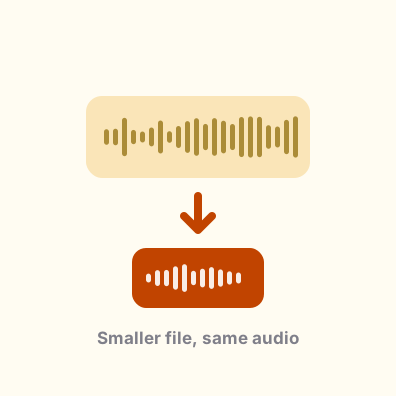
Simplify your file sizes

  • Get under an upload limit without the blocks and blur
  • Explore presets for social, web and archive
  • Edit and personalise the target size for your needs
  • Reduce upload time with AI-tuned bitrates
Video compression

Here's why people trust us

Making video simple
The VideoSimpli app showing a clip being trimmed with captions below it The VideoSimpli app showing a clip being trimmed with captions below it
An AI-powered video suite with everything you need

All you need to
know about video

Frequently asked questions
Simple answers to your questions
What is the best free video editor?
VideoSimpli is the best free online software video tool because it supports commonly used formats, such as MP4, MOV, WEBM, and MKV. A big plus is that the Video Trimmer and Caption Editor are simple to use.
How do you edit video on an iPhone or Android device?
Use VideoSimpli to trim, caption or compress any clip from any device. Our online Video Editor is compatible with the most used web browsers including Chrome, Safari, Firefox, Microsoft and Opera.
Is VideoSimpli safe?
Yes, your file is 100 percent secure. Our customers' safety is first and foremost, so we don't store your information or footage data. Export video to MP4, WEBM, or MOV worry-free.
How do you compress video online?
VideoSimpli  allows you to easily shrink clips on Mac, Windows, Linux, or any other operating system without needing to download any software or extensions. Simply open the VideoSimpli Compressor tool, select the file size and save the new file.
Edit video now
Our software makes editing for clips and footage fast and simple-
just upload a video or another media type to begin